Who is NoteHarbor for?
+
NoteHarbor is built for private lenders, seller-finance note holders, and note investors and servicers who need real servicing software (penny-accurate amortization, a payment waterfall, escrow, tax reporting, and a borrower portal) without a desktop install or a stack of spreadsheets.
Is there a free trial?
+
Yes. Every account starts with a full 30-day free trial and no credit card to begin. You get the complete product, so you can migrate a real portfolio and see it work before you pay.
What does Note Bot actually do?
+
Note Bot is included free on every plan. It explains servicing concepts in plain English, searches the help center to answer how-to questions, and answers light questions about your own loans' non-sensitive data, such as balances, who's due, and payoff figures. It never touches sensitive data like tax IDs or Social Security numbers. The only paid AI is the optional Deep Analysis add-on, which reads a PDF loan document or a county tax-record page into structured data for heavy migrations.
What are the mobile apps?
+
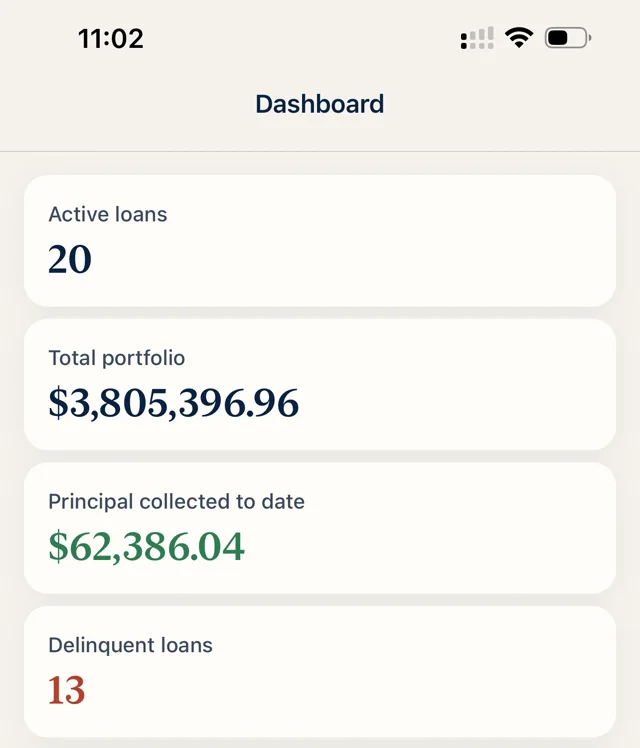
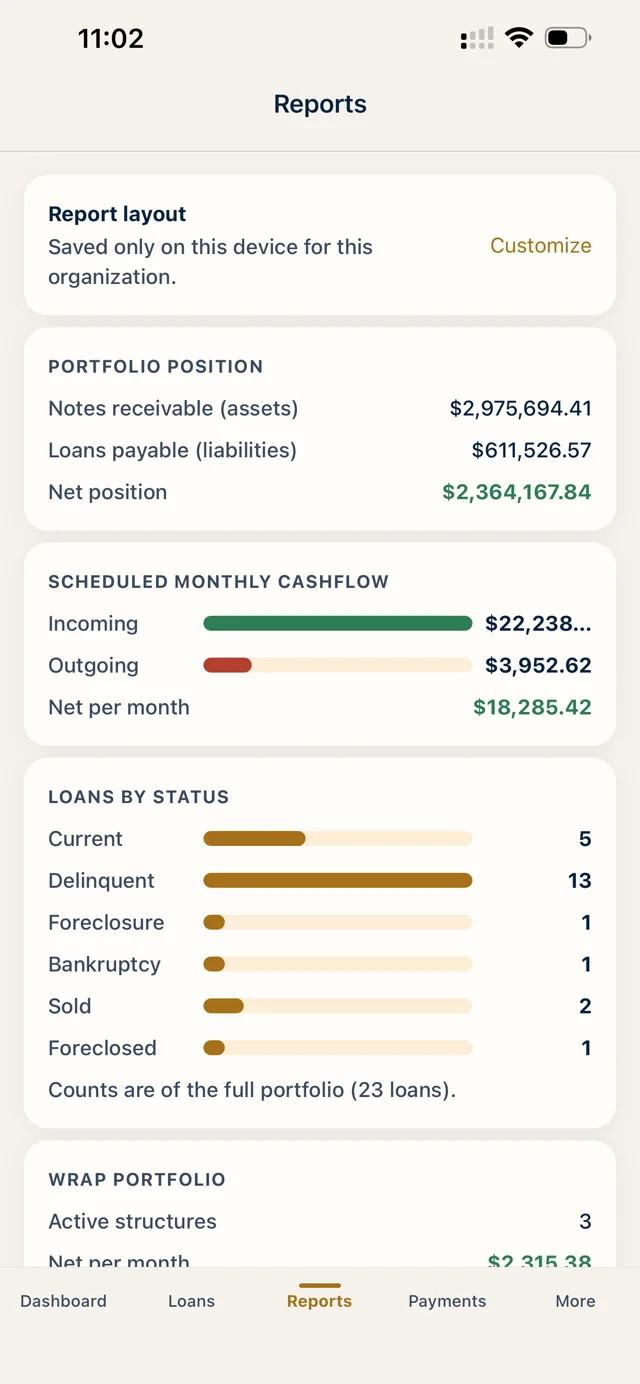
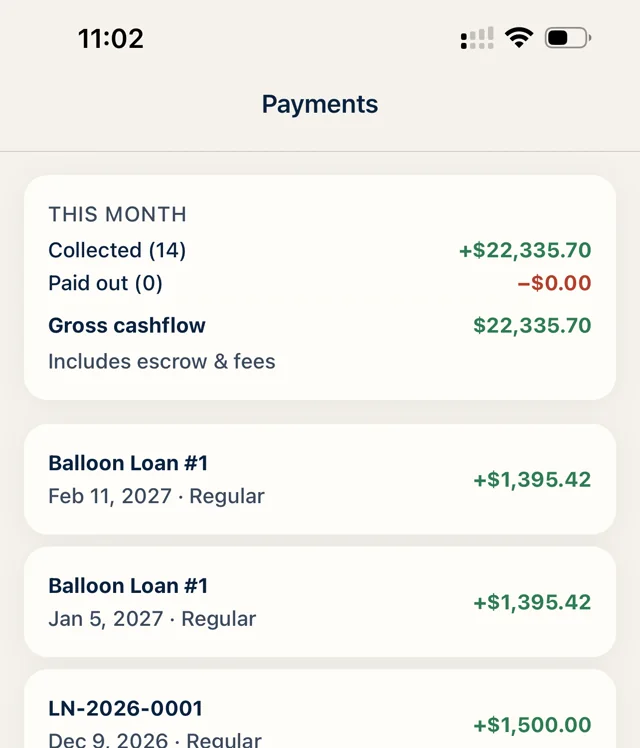
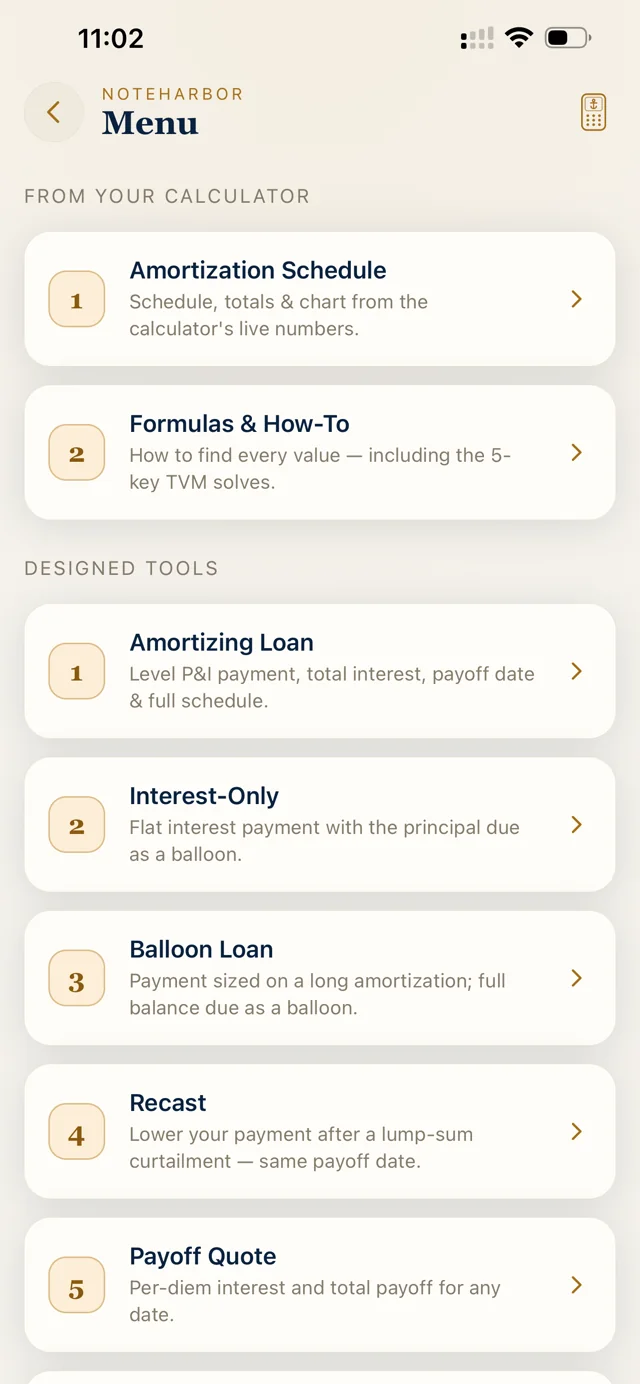
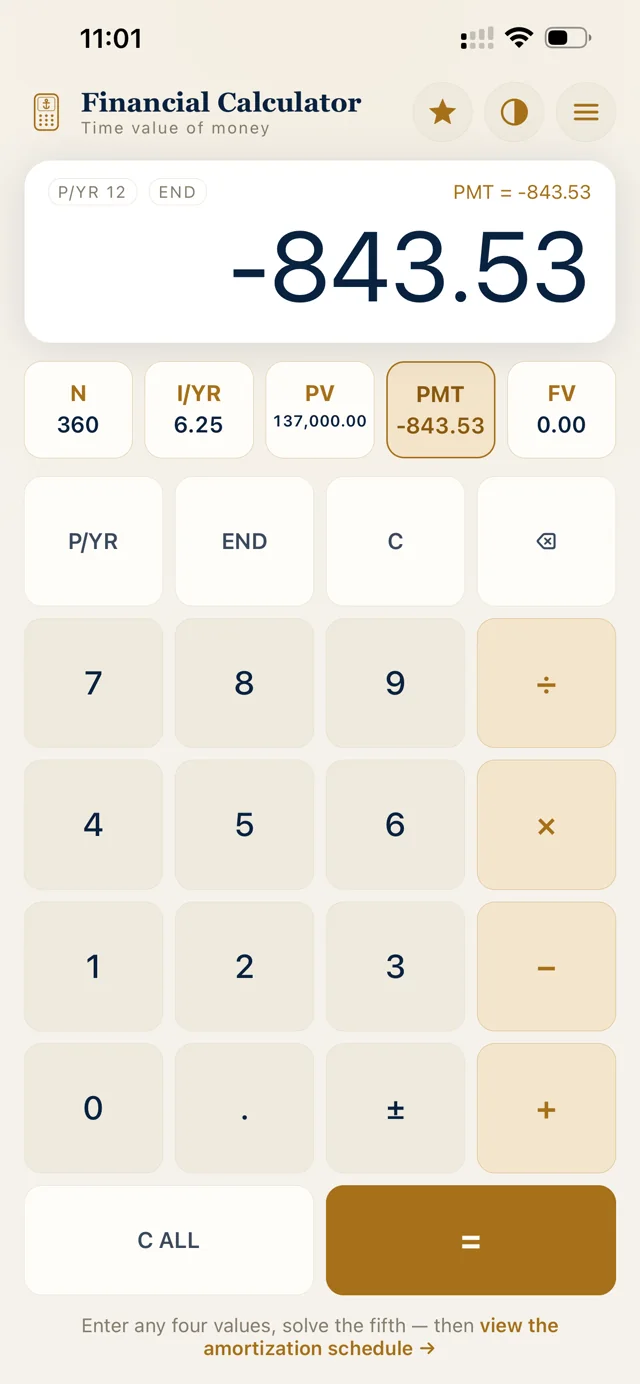
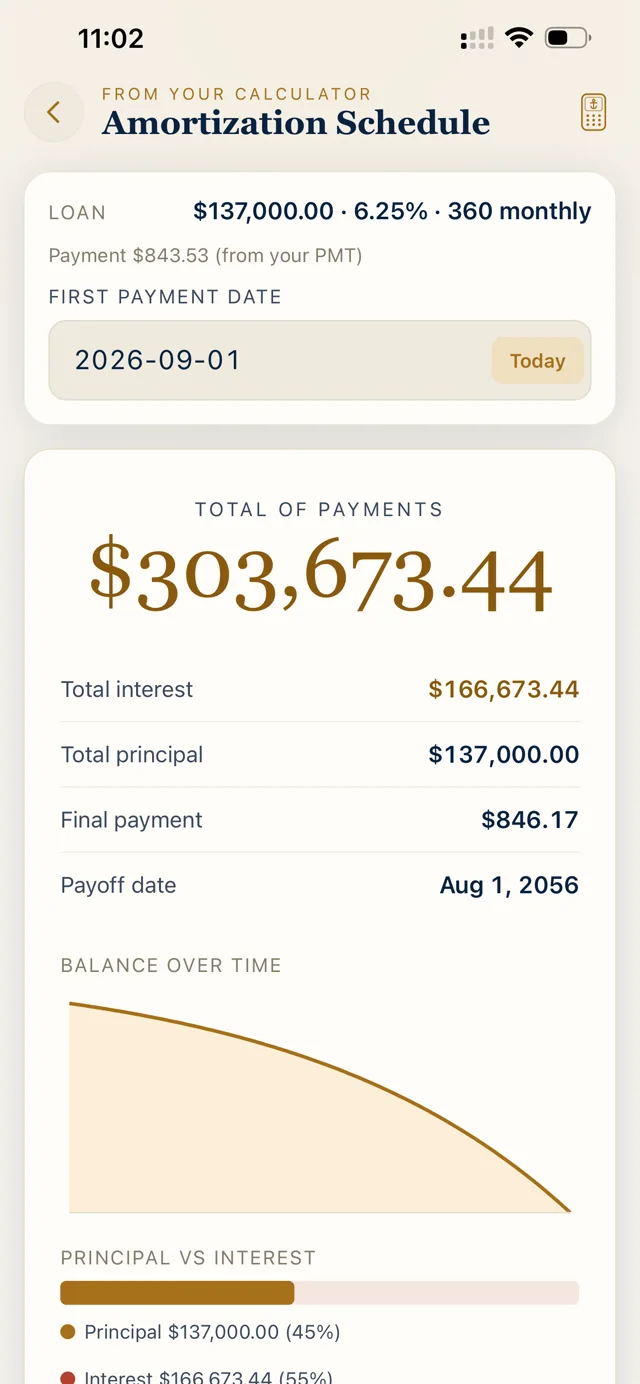
Two are on the way to the App Store and Google Play. NoteHarbor Mobile will sync to your portfolio so you can see everything that's going on — balances, who's due, payments as they post — and chat with your team on tasks and updates. For security it will be view-only across the entire portfolio: nothing about your book can be changed from a phone. NoteHarbor Calculator will be free for everyone, account or not: amortization, payment and payoff math, and price-to-yield solving on the same integer-cents engine that powers the platform.
What can borrowers and tenants see in the portals?
+
Only their own numbers. The borrower portal shows a live balance, payoff quote, and payment history behind one secure link; the resident portal shows a tenant their own rent ledger and documents. Both are void of personal information and private loan data — no SSNs, no tax IDs, no terms, and no visibility into your wider book.
What is the Office workspace?
+
Office is a built-in collaboration layer included on every plan: team channels with @mentions, shared workspace notes with comments, tasks, and a calendar. Your servicing conversations live next to the loan book instead of in a separate app.
Can I manage rentals too?
+
Yes. RentHarbor is an available add-on from $20/mo: 20 rental units are included, then each additional unit is $1.50/unit/mo, and it starts with a 14-day free trial. It adds a landlord dashboard, rent roll, leases and tenants, a rent ledger with recurring charges and late tracking, a resident portal, and per-property P&L with Schedule E export, address-synced to the notes you already service.
Can I move my existing loans over?
+
Yes. Add loans through a guided wizard with full payment history, and the penny-accurate engine re-projects every schedule from the real balance. Your audit trail starts the moment you import.
What happens when I go over my included loans?
+
Nothing breaks. Loans above your plan cap simply bill a small per-loan servicing fee for that tier, as low as $2.20/loan on Business. You're never blocked from adding a loan, and most note holders pass the fee straight through to the borrower so it nets to zero.
Can I pay annually?
+
Yes. Every tier has an annual option at 10× the monthly price — you get 2 months free (about 17% off). The discount applies to plan tiers only: team seats, Deep Analysis, and usage-based fees always bill monthly at their regular price. On an annual plan, RentHarbor is available at the same 2-months-free annual rate.